Showing posts with label Mika Codner. Show all posts

Sunday, 29 January 2012

MY LAST POST

I think I'm going to cry :'(


I have finally finished I have learnt so much from this project it was stressful at times but I enjoyed every moment of it.


Thank you and a big thank you to my sister Yumi for being our artist 


This song is dedicated to Group 32 :) and my blog


Q4

Q4: What have you learned from your audience feedback?


Looking the feedback I got I think that we needed to focus more on the editing our because some people said that the lip-sync didn't work and the camera was a bit too shaky.
But in saying this I think that it wasn't our editing skills that needed improving and in the cinema when our video freezed it a technical problem, I made sure when finishing editing our music video perfectly our teacher checked it for us and it was all in sync and it didn't freeze. But after when I watched our final video in vimeo the ending part wasn't in sync so I don’t know what we did wrong. 
I have learnt that I have to check if the video is in sync even after it was check by our teacher and I would of improved on out camera skills and make the panning and tracking look more smoother. 
Ancillary product


 The feed back I got for my ancillary product were mostly positive they like the way I used the lights with the image creating the effect of a dreamy look they also like the images I used but when looking at both music video and my ancillary product they said they found it a bit hard to see the link between the two. I feel that, that is the case I think I needed to make a more clear link between the music video and my digipak. I did try and link some imagery by using an image of the artist with her guitar linking it to one of our base tracks in the video. 

Q3


Q2


Friday, 6 January 2012

This is what I done in todays lesson:

The copyright of the CD 

Serial number 

Added the circle which shows where the CD will be placed inside.


Advert


Making my digipak

I chooses to use this picture for the front cover of my digipak. Added an overlay of the light effects on to the picture changed the opacity to about 38%


Edited the picture
Placed the picture on the 2 panel template
Added the text using the font 'Hiragono Kaku Gothic ProN' it's simple and easy to read. 
For the back cover I chooses to use this picture


Advert 

Changing the colour of the picture using the curves tool 

Overladyed the light effects over the image of the artist then changed the opacity to 41%


Font ideas


Tuesday, 13 December 2011


In todays lesson we started to do our digipak I started off by looking at all to picture I took of the artist before I selected which one I wanted to use for my digipak. 


Friday, 9 December 2011

Mock-up of digipak

In todays lesson we done a mock-up of our ancillary product

Digipak:


Advert:


Saturday, 3 December 2011

Researching Ancillary products: Digipak


In both of Leona Lewis's front cover there is a image of her which promotes her as an artist it gets everyone attention. Her name is are both in the same font this font is almost use in every of her alums this make the costumers familiar with her style and makes it easier for them to find find her albums on the shop shelves quicker.


Britney Spears digipak has the same simple theme on both front and the back cover with the white background gold text.  Inside on the panels the theme changes with a black background but it uses the same gold text that is used on the front cover making it link. The reason that her digipak is simple is because she already well known she doesn't have to show herself off that much.
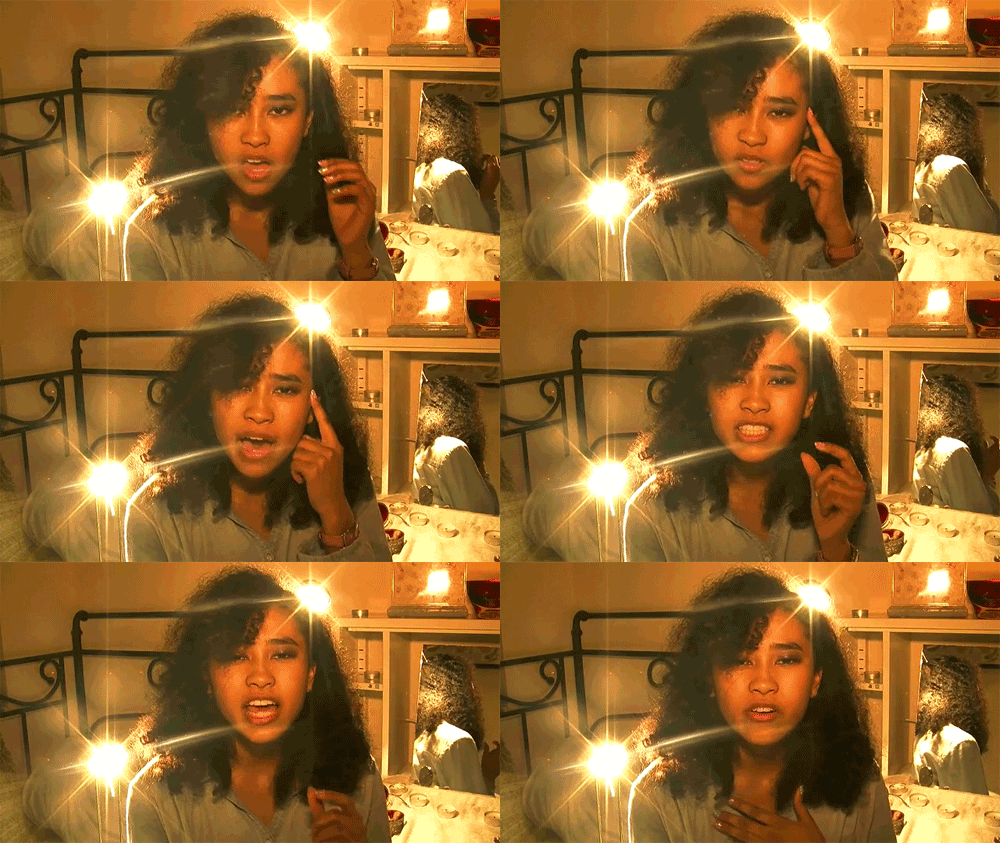
This shot of the artist with the sun behind is similar to some of the shot in our music video so I thought taking a picture of Yumi like this.


This album cover links with our genre because the artist is holding a guitar and the audience will know straight away that our genre will be a singer-songwriter genre.


I also like the illustrated digipak with the hand writing text making it look more personal. 


These are the covers I like as well:


I think using pastel colours in my digipak will set the mood for our genre singer-songwriter with the clam soft colours and the ideas of using an image of Yumi sitting down with her guitar with the sun behind her I think will work well.